How Do You Plan a Route on Google Maps? A Delivery Driver’s Guide

The Universal Tool in Your Pocket
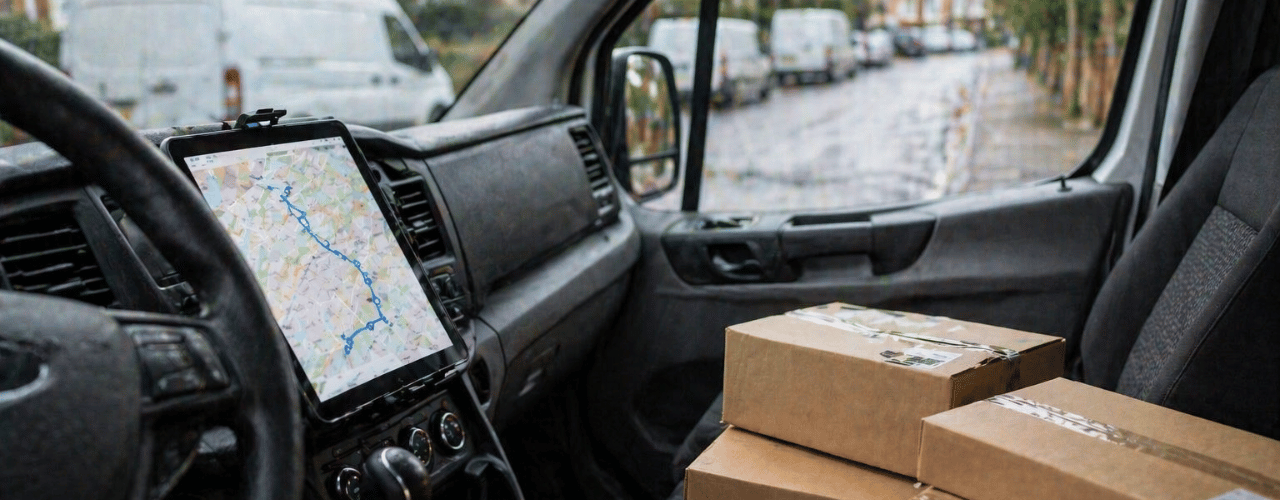
For delivery drivers, the day starts with a fundamental question: “What’s the best way to get all this done?” Whether you’re dropping off parcels, food, or floral subscriptions, your route is your blueprint for efficiency, earnings, and sanity. For millions, the first and often only answer is Google Maps. It’s free, familiar, and powered by one of the world’s most sophisticated mapping systems. As a driver, knowing how to leverage it fully is a core professional skill.
But is knowing how to plan a route on Google Maps enough for the complex, multi-stop reality of a professional delivery day? This guide will first walk you through the powerful, built-in methods Google Maps offers for planning both single and multi-stop journeys. Then, we’ll honestly assess where this ubiquitous app hits its limits for delivery professionals and explore how dedicated route planning tools are designed to fill those gaps, saving you time, fuel, and frustration.
Part 1: Mastering Route Planning in Google Maps – The Built-In Tools
Google Maps offers two primary ways to plan a driving route. Understanding both is key to using the app effectively.
Method 1: Planning a Simple A-to-B Route
This is the core function most people use daily. For a single delivery or your commute, it’s straightforward.
- Open the Google Maps app on your smartphone or visit maps.google.com on a computer.
- Tap the search bar and enter your destination address or business name.
- Tap “Directions.” The app will automatically use your current location as the starting point.
- Set your starting point if it’s different from your current location. Tap “Your location,” delete it, and type in the correct start address.
- Choose your mode of transport. For delivery, you’ll almost always select the car icon.
- Review the suggested route. Google will typically show the fastest route. You can see:
- The total distance and estimated travel time (based on live traffic).
- Turn-by-turn directions.
- Alternate routes (often in grey) that may be slightly slower or longer.
- Start navigation by tapping “Start.” The app will provide voice-guided, turn-by-turn directions.
Pro Driver Tip: Always check the route summary before hitting start. Look for motorway vs. A-road options. Sometimes the “fastest” route uses congested motorways, while an “alternate” on A-roads may be more consistent and less stressful.
Method 2: Planning a Multi-Stop Route (The “Add Stop” Feature)
This is where Google Maps becomes more useful for delivery work. You can plan a trip with multiple destinations.
- Follow steps 1-5 above to set your first destination.
- Tap the three-dot menu icon (⁝) in the top right corner of the directions screen.
- Select “Add stop.” A new field (“Add stop B”) will appear.
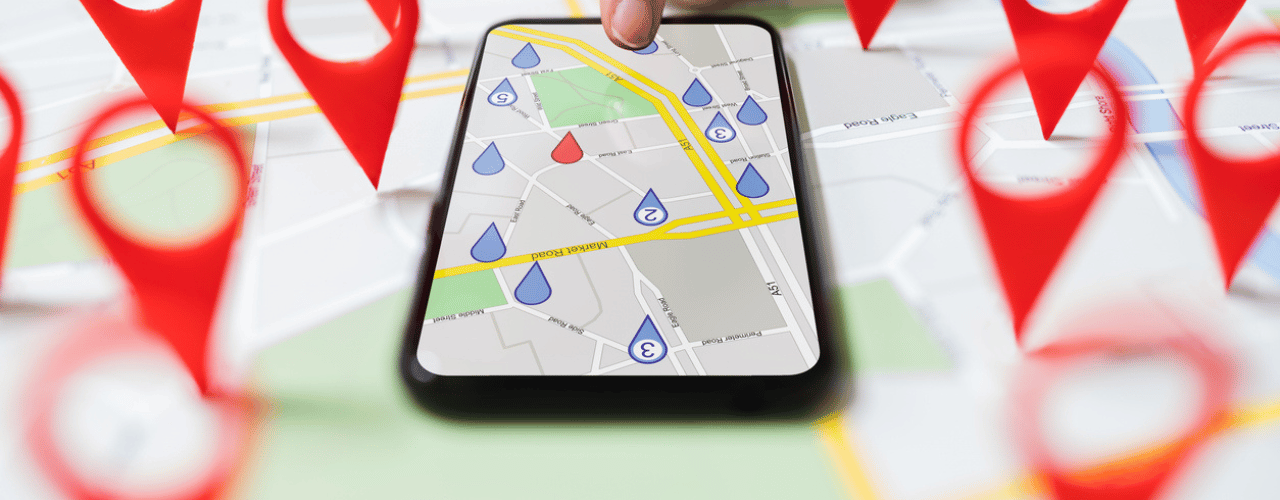
- Enter your next destination address. You can keep adding stops by tapping “Add stop” again. Google Maps allows up to 9 additional stops (10 total destinations) on a single route.
- Re-order your stops manually. You can tap and hold the “drag” handle (≡) next to a stop and drag it up or down the list to change the sequence.
- Review the multi-stop route. Google will calculate a route that goes through all stops in the order you’ve listed them.
The Critical Limitation: Google Maps does NOT automatically optimise the stop order for efficiency. It simply takes the stops in the order you input them. If you enter stops 1, 2, and 3 based on how you received the jobs, you might be driving in a zig-zag pattern. It is up to you to manually drag and drop them into the most logical geographical order, a time-consuming and error-prone task with more than a few stops.
Part 2: Advanced Google Maps Features for Drivers
To get the most out of the app, dig into these settings:
- Avoiding Tolls, Ferries, and Motorways: In the direction settings (tap the three dots > “Route options”), you can select these avoidances. Crucial for keeping costs down or if your vehicle is restricted.
- Setting Departure & Arrival Times: You can also use the “Set depart or arrive time” to see predictive traffic for future trips. Helpful for planning your morning run.
- Offline Maps: Download maps of your working area over Wi-Fi to use when you have a poor mobile signal, a lifesaver in rural areas.
- Sharing Your ETA: While navigating, tap the bottom bar, then “Share trip progress.” This sends a live tracking link to a customer or dispatcher, improving communication.
Part 3: When Google Maps Isn’t Enough: The Professional Driver’s Reality
For personal trips or the occasional delivery, Google Maps is superb. But for the daily grind of professional delivery, whether you’re a courier, a food driver, or delivering flowers, its limitations become glaringly obvious. These aren’t just inconveniences; they are direct hits to your productivity and earnings.
- No True Multi-Stop Optimisation: As mentioned, manually sorting 10+ stops is a puzzle you have to solve yourself every morning. A true route planner uses algorithms to calculate the most fuel and time-efficient sequence in seconds, often saving 20% or more in drive time.
- The Address Accuracy Gap: This is a major pain point, especially in the UK. As detailed in our article “Why Is It So Difficult to Find UK Addresses?”, a postcode can cover dozens of properties. Google Maps will take you to a postcode centroid, not a specific door. The time spent searching for a named cottage in a rural lane or a specific business unit adds up dramatically. A tool with integrated precise address data (like Delm8 Address Finder) solves this by guiding you to the exact pin, not the general area.
- Managing Delivery Windows is Cumbersome: If you have 10 deliveries with promised 1-hour windows, Google Maps has no way to factor this in. You cannot set time constraints for each stop.
- The “9 Stop” Limit: Many delivery rounds easily exceed 10 total stops. Google Maps simply can’t handle a full professional day’s workload in one plan.
Part 4: The Professional Alternative: What a Dedicated Route Planner Offers
Dedicated last-mile delivery software like Delm8 Route Planner is built from the ground up to solve the specific problems delivery drivers face. Here’s how it contrasts with the manual Google Maps method:
| Feature | Google Maps (Manual Method) | Dedicated Route Planner (e.g., Delm8) |
| Multi-Stop Optimization | Manual drag & drop. No efficiency algorithm. | Fully automatic. Calculates the fastest sequence in seconds. |
| Address Precision | Guides to postcode centroid, leading to “last metre” searches. | Integrates precise address data (like Delm8 Address Finder) for door-specific accuracy. |
| Stop Capacity | Max 10 stops per route. | Dozens or hundreds of stops handled seamlessly. |
| Time Windows | Cannot be set or managed. | Allows setting delivery time constraints for each stop. |
| Cost & Time Savings | Inefficient routes waste fuel and time. | Optimised routes save 15-30% on drive time and fuel costs. |
The Real-World Impact: Imagine starting your day. Instead of spending 30 minutes manually plotting and re-ordering 15 stops on Google Maps, you simply import your job list into a route planner. In 10 seconds, it gives you the perfect sequence. As you drive, it navigates you not just to the postcode, but to the exact delivery door, saving 3-5 minutes of search time per stop. Over 15 stops, that’s over an hour saved. You finish your round faster, with less fuel used and less stress.
Conclusion: Choosing the Right Tool for the Job
Knowing how to plan a route on Google Maps is an essential digital literacy skill for any driver. For simple trips or as a backup, it’s an invaluable, free resource. You should master its “Add stop” feature and settings to make the best of it.
However, if delivery driving is your profession, your primary source of income, relying solely on Google Maps is like a carpenter using a Swiss Army knife instead of a power drill. It can do the job slowly and with great effort, but it’s not the right tool.
Investing in a professional route planner is an investment in your own productivity and earnings. It removes the daily headache of logistics, reduces your operational costs (fuel, wear and tear), and allows you to complete more jobs in less time. The time you save on planning and searching is time you can earn more, or simply enjoy for yourself.
Ready to Stop Planning and Start Delivering?
Stop wrestling with manual stop ordering and “last-metre” address searches. Experience the efficiency of a route planner built for the unique challenges of UK delivery driving.
Delm8 Route Planner combines powerful multi-stop optimisation with the industry-leading Delm8 Address Finder for pinpoint accuracy. Save time, save fuel, and reduce daily stress.
Get started with a free trial today and transform how you plan and execute your deliveries. Discover the difference a professional tool makes and start saving an hour a day.
Using Delm8 is one of the best ways to save time as a professional driver, but why stop there?
Sign up for our newsletter to get time-saving tips, feature updates, and insights to help you work smarter every day!